Fremont County Citizen Science Project (Pilot) – Student Instructions
🎯 What You’re Doing
You are helping document real plants, animals, and fungi in Fremont County.
Using the iNaturalist app, your observations will become part of a public, scientific dataset used to better understand local biodiversity.
📅 Project Timing
Dates: End of April – May 21
(Exact dates provided by your teacher)
All observations must be made during this time to count toward the project.

⚠️ Important (Read This First)
You must join the project for your observations to count.
If you upload observations but do NOT join the project, your work will not be included.
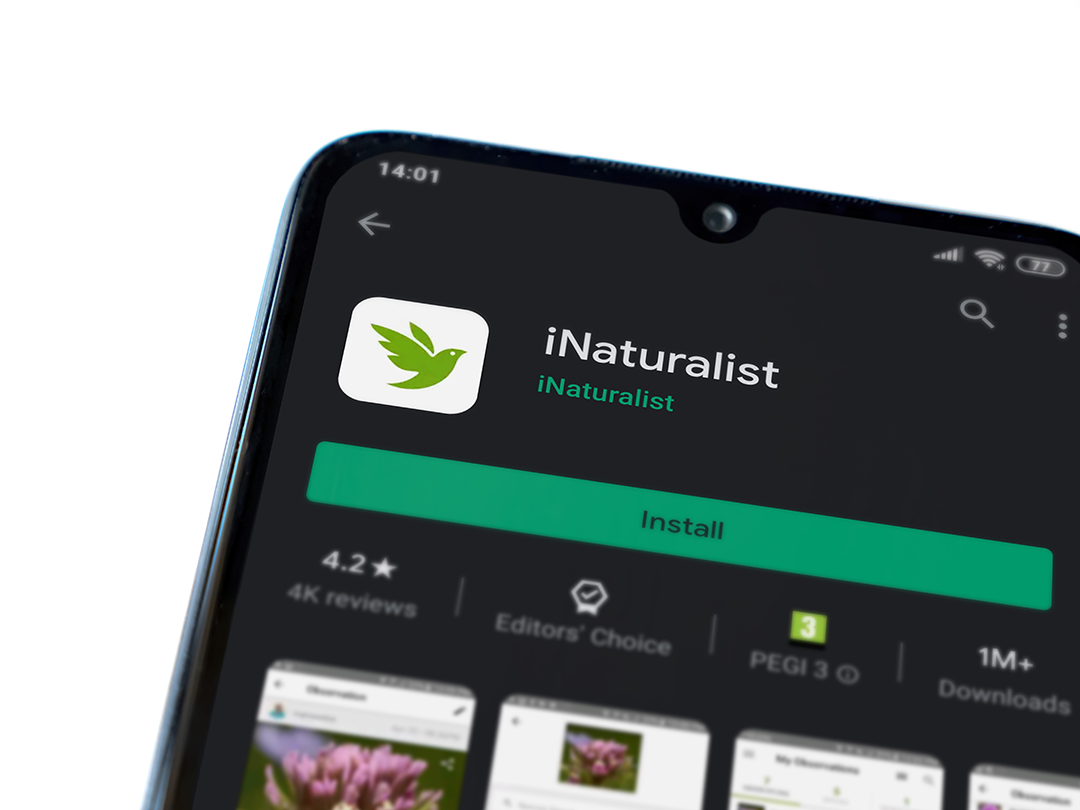
📱 Step 1 — Download the App
Download iNaturalist:
👤 Step 2 — Create an Account
-
Open the app
-
Sign up (email or Google works fine)
-
Choose a username you can remember
🔗 Step 3 — Join the Project
Go to the project page:
https://www.inaturalist.org/projects/fremont-county-citizen-science-project
-
Click Join
-
Make sure you are logged in
📸 Step 4 — Make Observations
Go outside and find something interesting:
- Plants
- Insects
- Birds
- Fungi
- Any wild organism
Then:
- Take a clear photo
- Upload it in the app
- Add what you think it is (optional)
- Make sure the location is turned ON
✅ Step 5 — Double Check
Before submitting:
- You joined the project ✅
- Your photo is clear ✅
- Location is correct ✅
🌿 Tips for Better Observations
- Get close, but stay safe
- Take multiple photos if possible
- Focus on one organism at a time
- Try different angles
- Avoid blurry shots
🚫 What NOT to Upload
- Pets (dogs, cats, etc.)
- People
- Random objects
- Screenshots
🎯 What Counts as Success
You are helping create:
- A real dataset of Fremont County biodiversity
- Observations that scientists and the public can use
- A record of the natural world around you
🏆 Recognition
Students who participate will receive:
- Project recognition
- Adventure Acres logo pins
- Pizza celebration 🍕
👉 Get Started
Download the app, join the project, and start exploring.